A key, two computers, no account.
Everything Qsounder does with sound happens on your Mac. The licence is the one thing that talks to a server — and it sends your key, a device id, the name you give the computer, the OS version and the app version.
Typed into the app
After you buy, your key comes by email from keys[at]qsounder[dot]com. In Qsounder, click enter a licence at the top right, type the key and press activate. The top bar then reads Licensed · Basic or Licensed · Ultimate. No account, no login.
One licence, two computers
A laptop and a studio machine, say. To move it, click deactivate here on the computer you’re leaving. On a third computer, the app lists the two it is on and lets you release one, in the same panel.
Checks in every 14 days
The licence is checked on your computer. Qsounder goes online at least once every 14 days to renew it, quietly, in the background.
Send it again
Under No key yet? in the licence panel, type the email you bought with and press send my key. If that email has a licence, the key is sent to it again.
The licence panel.
Click enter a licence in the top bar. One panel holds the key, send my key, and — once licensed — your computers.
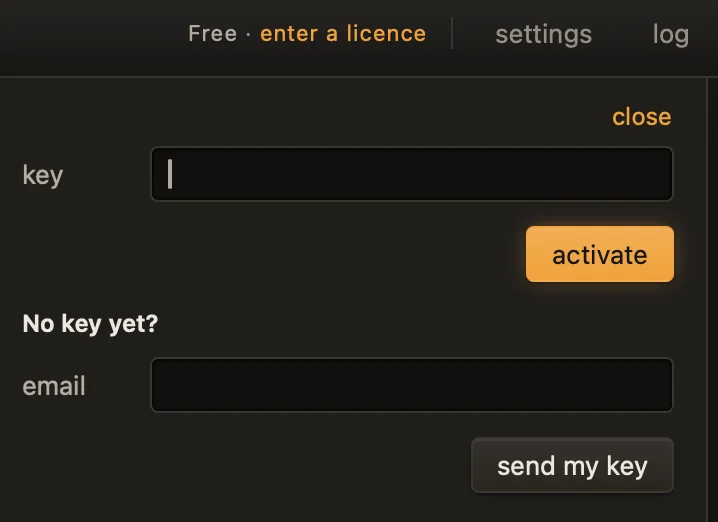
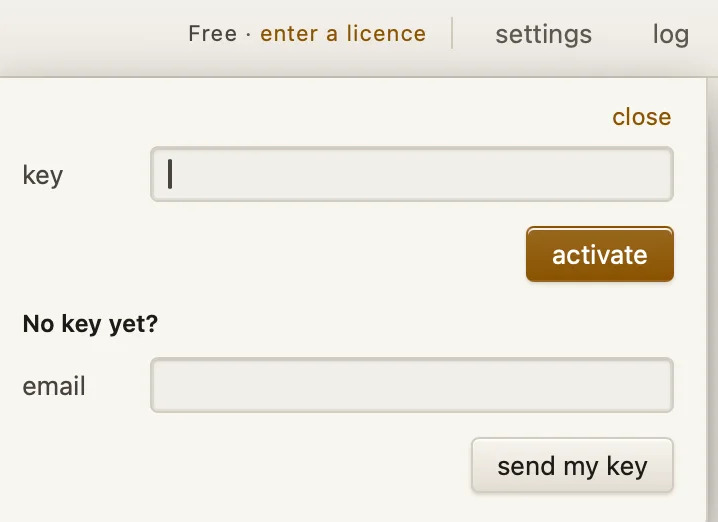
- enter a licence
- Opens the panel. Licensed, the top bar reads Licensed · Basic or Licensed · Ultimate instead.
- activate
- Checks the key you typed and licenses this computer.
- send my key
- Sends the key again to the email you bought with, from keys[at]qsounder[dot]com.
- deactivate here
- Frees this computer, so the licence can go on another one.
- release
- Frees one of the other computers — the way in on a third Mac.
- ask[at]
qsounder[dot]com - Questions about your licence. The panel links to it.
Qsounder 1.0, before a key is entered.
Five things, to check the licence. Never your audio.
When you activate the licence, and when it checks in, Qsounder sends your key, a device id, the name you give the computer, the OS version and the app version. It sends no email, no audio and no file names.
Like any website, the licence server sees the internet address a request comes from and the time.
- Your key
- A device id
- The name you give the computer
- The OS version
- The app version
- Your email
- Your audio
- File names
Fourteen days of grace, then Free.
| Days offline | What happens |
|---|---|
| 0 – 9 | Nothing changes. |
| 10 – 13 | Nothing changes. One quiet line in the app asks you to go online once. |
| 14 | The tracks already open can still be exported with your licence. Starting something new waits until Qsounder has been online once. |
| After a restart, still offline | Qsounder works as Free until it can check in. |
More about the licence
Monthly or yearly
Switching between monthly and yearly keeps the same key.
Your email
You buy through the payment provider, which sends your receipt; your key comes from keys[at]qsounder[dot]com. The licence check never sends your email, and Qsounder never stores it.
When a subscription ends
Qsounder carries on as Free: every feature still works, and exports are previews again (the middle half of each track).
A computer you no longer have
Release it from the licence panel on another computer. If you can’t, write to ask[at]qsounder[dot]com.
Free needs no licence
Download Qsounder and use it. The licence only decides what you can export.